How Do You Match Your Access Needs to the Festival Schedule?
How can you be certain a screening room, audio track, and seating layout will accommodate your specific access needs before you arrive at the box office?
The verification workflow begins at the individual screening line in the festival program rather than at the venue doors. Each listing carries specific format tags—CC (Closed Captions), OC (Open Captions), AD (Audio Description), and Relaxed—that define the technical capabilities of the exhibition file. Reading the film title's tags is only the first step. Attendees and industry delegates must immediately open the corresponding venue profile for the specific auditorium assigned to that time slot to verify that the physical room supports the tagged file.
Independent film showcases featuring women-directed cinema frequently divide a single day's schedule between historic repertory cinemas and modern screening spaces. A morning industry development panel or documentary block may screen in a newly constructed digital suite, while an evening premiere shifts to a century-old single-screen theater three blocks away. Because infrastructure varies drastically between buildings, confirming access features once for the entire festival day creates logistical gaps.
- Isolate the screening slot: Identify the exact auditorium number or named theater assigned to the premiere or encore screening.
- Cross-reference the tag with the booth: Confirm that the venue profile lists active hardware for CC or AD tags, or step-free auditorium access for mobility needs.
- Lock in seat holds early: Complete this room-by-room cross-check 10 to 14 days before the ticket or badge reservation window opens, while accessible seat holds can still be adjusted by the box office.
Decoding Captioned Screenings and Audio Description Formats
Selecting the right screening requires distinguishing between burned-in open captions and a cup-holder caption unit when the same women-directed print moves from a newer screening room into a historic repertory house. The technical format dictates how the audience receives the access track and whether personal hardware is required at the door.
Open Captions Versus Closed Captions
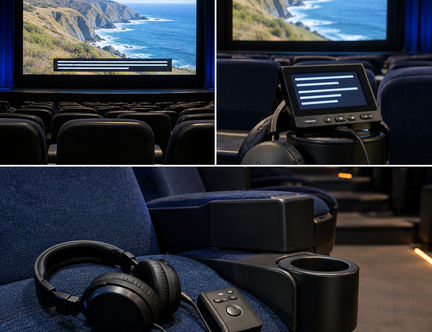
Open Captions (OC) are permanently burned into the video stream of the exhibition file. Every seat in the auditorium views the text directly on the main screen without requesting auxiliary equipment. Closed Captions (CC) rely on a secondary data stream transmitted to personal hardware—typically a flexible gooseneck LED display that mounts into the seat's cup holder or specialized smart glasses. Patrons collect these units at the lobby access desk prior to seating and return them after the closing credits roll. A closed-caption tag on the schedule does not place words on the screen by itself; personal displays require a charged receiver and a live in-room transmitter, which some historic single-screen houses do not have installed.
Subtitles for the Deaf and Hard of Hearing (SDH)
International selections in the festival program frequently advertise English subtitles, which only translate spoken foreign-language dialogue. Full SDH files are engineered specifically for Deaf and hard-of-hearing audiences. They incorporate non-dialogue audio cues, environmental sound-effect labels, musical tone descriptions, and explicit speaker identification whenever voices originate off-screen.
Audio Description (AD) Protocols
Audio Description provides a narrated track of visual elements—camera movements, facial expressions, wardrobe changes, and title cards—woven into the natural pauses between dialogue. Upon arriving at the venue lobby, patrons request a wireless AD receiver and headset. The critical operational step happens inside the auditorium: attendees must test the receiver volume and channel clarity during the pre-show trailer block, which provides an 8- to 12-minute window before the feature presentation begins. Discovering a dead battery or an uncalibrated transmitter after the house lights drop forces a disruptive mid-screening exit to the lobby desk.
What to Expect Inside a Relaxed-Environment Screening
A subtle golden glow stays over the plush seating rows while the opening credits roll, and the sharp crescendo of the score lands at a gentle, conversational volume. Relaxed-environment sessions are engineered from the projection booth outward to remove sensory barriers for neurodivergent attendees, guests with sensory processing sensitivities, and viewers who experience anxiety in rigid theatrical settings.
Standard cinema exhibition relies on total darkness and wide dynamic audio ranges. In a relaxed session, projectionists and house managers modify two core technical baselines:
- Continuous Ambient Lighting: House lights remain dimmed at a low ambient level for the entire running time, including the closing credits, rather than dropping to total blackout at the first frame.
- Attenuated Cinema Audio: The booth lowers the master fader from standard theatrical reference levels. Dialogue remains clear and intelligible, while sudden acoustic peaks or jarring sound effects in an unmodified mix are smoothed out.
Behavioral norms inside the auditorium shift to match these technical adjustments. Patrons have the freedom to move around the room, change seats, vocalize, or pace at the back of the aisle. Exit and re-entry remain completely unrestricted for the entire slot—which commonly runs 95 to 130 minutes for a feature-length program including a short post-credit buffer—without ushers stopping attendees at the doors. Adjacent to the auditorium, venues establish designated quiet zones or low-sensory spillover spaces equipped with soft seating and muted lighting, giving audience members a calm recovery area if they choose to step out mid-film.
Venue Architecture, Mobility Planning, and Seating Layouts
Navigating physical venue transit begins at the street curb and extends all the way to the post-screening Q&A stage. When a screening is housed in a multi-level repertory building serviced by a single public elevator, attendees should plan to arrive 20 to 30 minutes before the listed start time. Older theater architecture often features an elevator cab that connects the street lobby to the main auditorium floor, while secondary mezzanine lounges, box offices, or restrooms sit on split levels. Checking the venue profile in advance confirms both the exact street location of the step-free entrance and the floor-by-floor reach of the lift, including the location of accessible single-stall or gender-neutral restrooms.
Evaluating Auditorium Sightlines and Seating Types
Inside the screening room, accessible seating splits into two structural categories based on whether a patron remains in a mobility device or transfers into a theater chair:
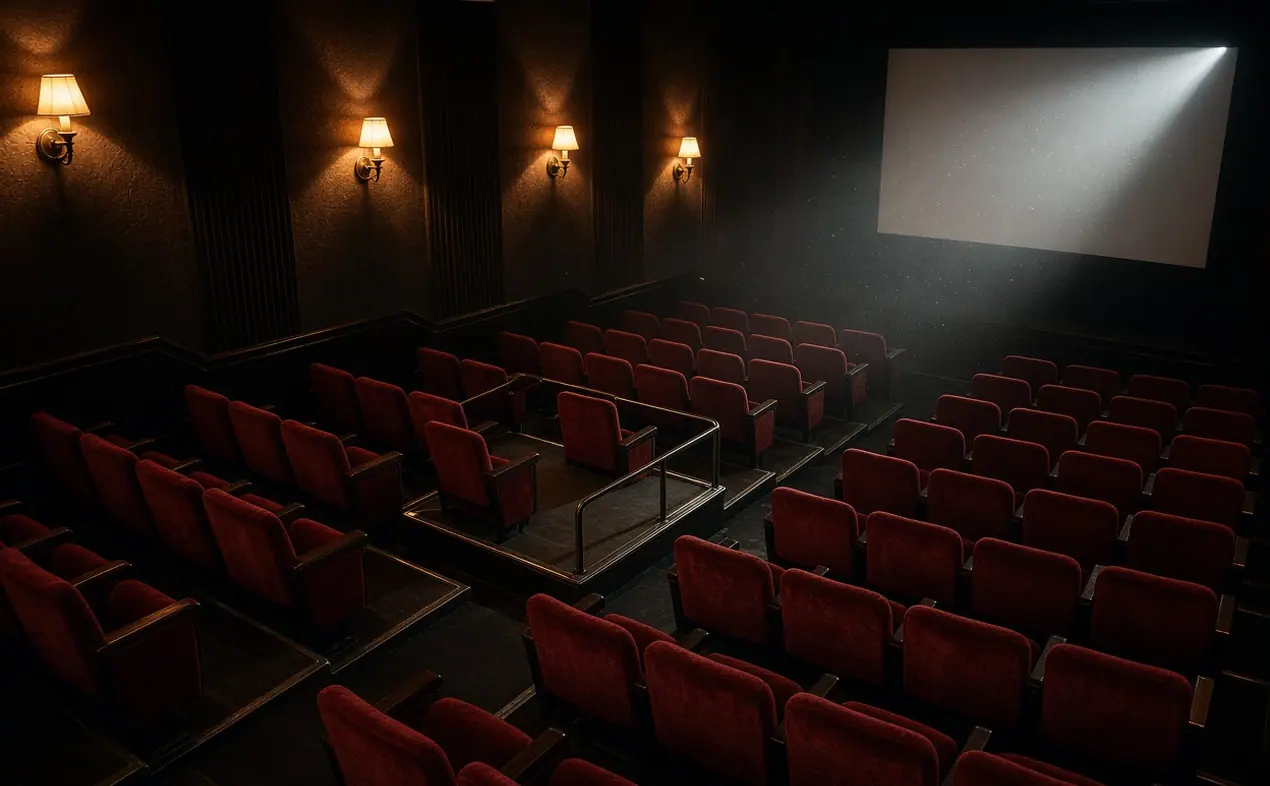
- Front-Row Wheelchair Cutouts: These level floor spaces allow a power or manual wheelchair to remain locked in place without transferring. In historic theaters with shallow aprons, front cutouts often sit directly beneath a steep vertical screen angle, requiring viewers to tilt their heads back for the duration of the feature.
- Mid-House Transfer Seating: Positioned further back along the main cross-aisle, these seats feature a swing-away or removable armrest alongside an adjacent chair bay where a folded frame or walker is stowed during the screening.
Stage Sightlines for Filmmaker Q&As and Awards & Tributes
Screenings documented in filmmaker profiles and news & announcements regularly conclude with live director discussions or awards & tributes on stage. Access planning must account for where the American Sign Language (ASL) interpreters or live CART (Communication Access Real-time Translation) monitors are positioned relative to the accessible seating cutouts. An interpreter or CART screen must share the direct stage sightline next to the visiting women directors. Placing the interpreter in a far side-aisle forces patrons in the front-row cutout to turn away from the panel, leaving them facing either the speakers on stage or the access translation.
Booking Accommodations, Companion Passes, and Early Entry
Securing physical space in the theater requires coordinating ticket reservations with front-of-house boarding protocols. Festival box offices link accessible seating inventory directly to companion policies so that support personnel are never separated from the primary ticket holder.
- Pair the Companion Request at Checkout: Request companion or support-worker passes within the exact same transaction as the primary screening ticket or full festival badge. The ticketing system holds the accessible cutout and the adjacent companion chair as a single linked unit.
- Submit the Itemized Access Schedule: Send a detailed schedule to the festival access coordinator 7 to 14 days before opening night. List each booked film title, date, and venue individually rather than submitting a single blanket note for your badge.
- Board via the Priority Access Queue: On screening day, bypass the general rush line. Passholders holding a reserved accessible pair utilize a separate priority entry lane for early boarding.
Guard the Ten-Minute Release
Reserved accessible seats and their linked companion chairs are held exclusively until ten minutes before curtain. Arriving late risks the ten-minute accessible-seat release landing before the ASL interpreter is even placed in the director Q&A sightline, allowing front-of-house staff to release unclaimed pairs to the rush queue.
Deliverable Standards for Filmmakers Preparing Accessible Screening Copies
Reliable accessible screenings depend on technical accuracy during post-production mastering. Independent directors and producers preparing their festival exhibition copies must lock accessibility assets into the master delivery package before file transfer, rather than attempting to patch missing tracks in the lobby on screening day.
Packaging the Exhibition Master and Caption Files
Whether a venue's projection booth ingests an unencrypted Digital Cinema Package (DCP) or an Apple ProRes master file, the accessibility tracks must be delivered as structured, discrete assets alongside the picture master—never pasted hastily into a flattened video export after delivery unless an Open Captioned screening was specifically commissioned. Filmmakers provide timed text as a separate sidecar file in .SRT format or as a W3C Timed Text Markup Language (TTML) specifications compliant SMPTE XML file packaged inside the DCP.
During the quality-control pass, editors verify caption timing against picture cuts so that text changes fall precisely on dialogue breaks and camera shifts. Reading speed and character counts per line must stay conservative enough that viewers can read speaker shifts and sound cues comfortably across a wide theatrical canvas.
Routing the Audio Description Mix
To prevent narration from bleeding into the main auditorium speakers, the post-production sound mixer routes a discrete stereo or 5.1 Audio Description mix onto dedicated auxiliary channels within the master exhibition file. In standard SMPTE DCP channel mapping, channels 1 through 6 carry the 5.1 main theatrical mix, while the Hearing Impaired (HI) visually assisted audio and Visually Impaired Narrative (VI-N) audio description track are assigned to channels 7 and 8. This discrete routing keeps the lobby wireless headset feed completely independent of the main house array.
Both caption lock and physical venue-transit confirmation must be finalized 5 to 10 days prior to the booked screening, giving the festival technical team adequate lead time ahead of the booth ingest window.
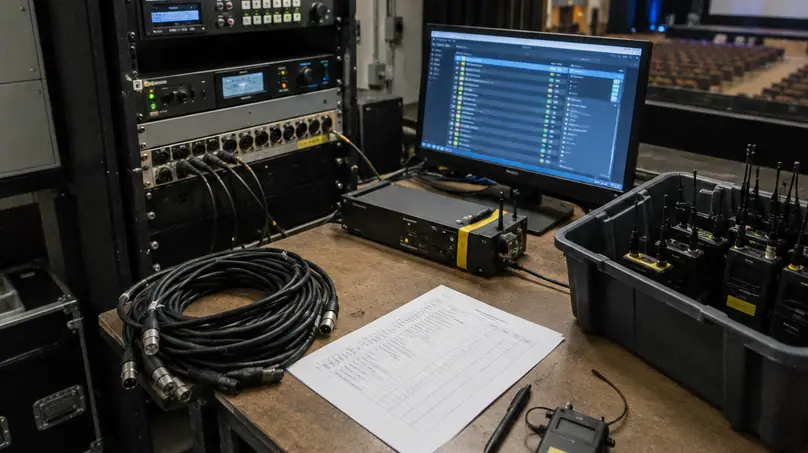
As you finalize your upcoming festival schedule—whether you are packing a DCP for its premiere or mapping out a double feature across town—does your screening plan account for both the technical file readiness in the booth and the physical transit from the street curb to the auditorium seat?